🎨 Color Palette
Extract dominant colors from any image and get CSS-ready color codes. Perfect for designers and developers.
✨ See what this tool can do

Before
🎨
After — processed
Extracted Palette
CSS Variables
How to Use
1
Upload
Select an image to analyze.
2
Adjust Count
Choose how many dominant colors to extract (3–12).
3
Extract & Copy
Click Extract Colors, then click any color to copy its hex code.
Detailed User Guide
Step 1: Upload Your Image
Upload any JPG, PNG, or WebP image. This works great with photos, artwork, screenshots, or any image with interesting colors.
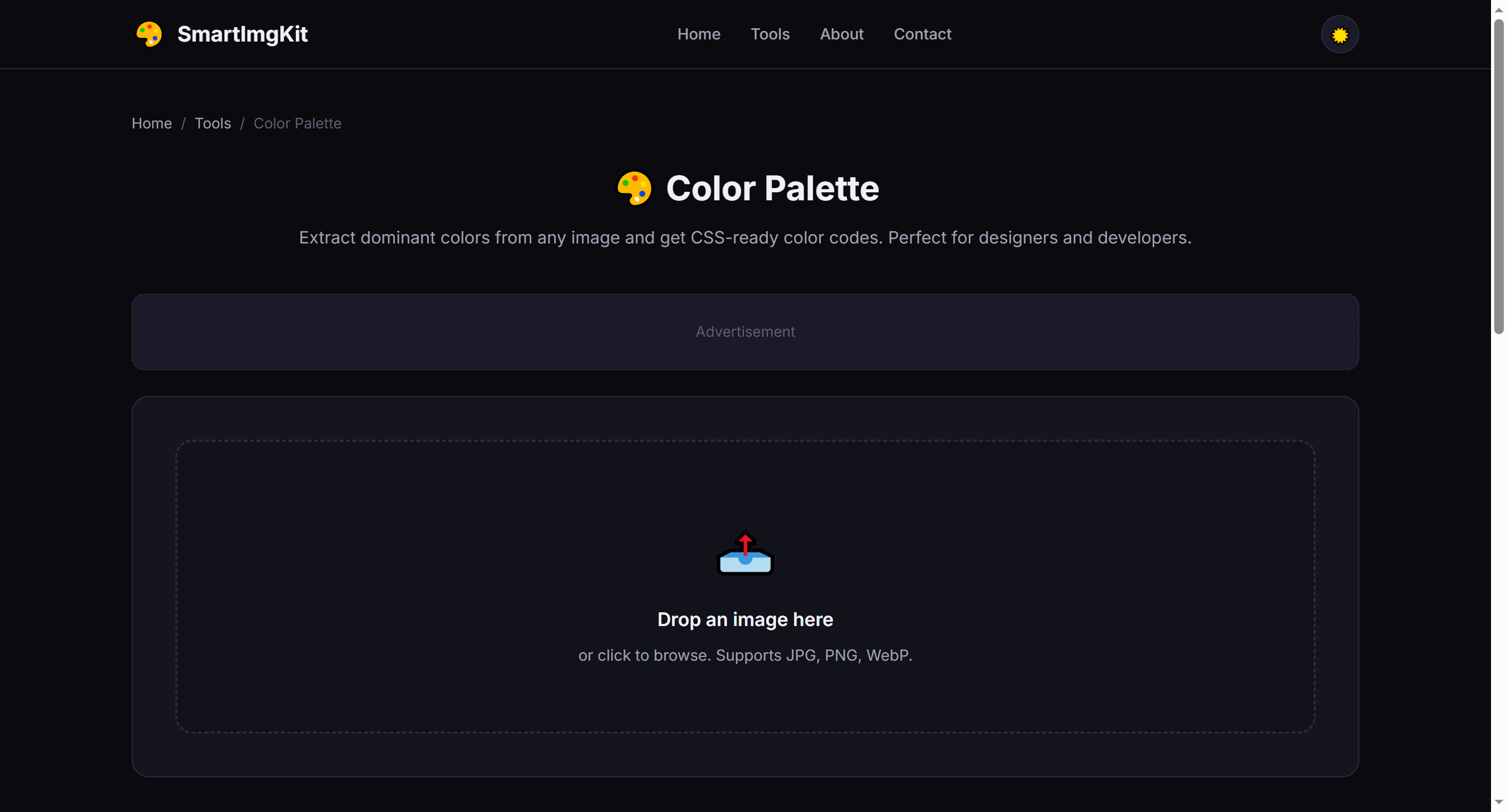
Upload an image and choose how many dominant colors to extract
Step 2: Choose Color Count
Use the slider to select how many colors to extract (3–12). More colors give a richer palette; fewer colors give a more focused, minimalist scheme.
- 3-4 colors — Ideal for simple branding and minimalist designs
- 5-6 colors — Balanced palette for most web and UI projects
- 8-12 colors — Comprehensive palette for complex designs and illustrations
Step 3: Extract & Use
Click "Extract Colors" to analyze the image. The tool displays:
- Color swatches with HEX and RGB values
- Ready-to-use CSS variables that you can copy directly into your stylesheet
Click any color swatch to copy its HEX code to your clipboard instantly.
Tip: The first color is usually the most dominant. Use it as your primary brand color, and the rest as accents and neutrals.
Best Use Cases
- Brand color inspiration — Extract colors from a mood board or reference image
- Website theming — Match your site's palette to a key photograph or product image
- UI design — Generate accessible color schemes for apps and dashboards
- Art & illustration — Build harmonious color palettes from nature photos or artwork
Pro Tips
- Images with strong, distinct colors produce the best palettes
- Use the CSS output directly in your project's
:rootfor consistent theming - Try extracting from multiple images and combining palettes for unique combinations
- The algorithm finds visually dominant colors, not just statistically frequent ones
Frequently Asked Questions
We use a quantization algorithm to find the most visually dominant colors. Results are great for inspiration and design systems.
Each color displays its HEX code. The CSS output section provides ready-to-use CSS custom properties.
Yes. Click any color swatch to copy its HEX code to your clipboard.