🗜️ Compresseur d'Image
Compressez JPG, PNG, WebP gratuitement. Réduisez la taille jusqu'à 90% sans perte visible.
✨ See what this tool can do

Before
📦
After — processed
Original
Compressé
Comment Utiliser
1
Télécharger
Glissez-déposez vos images JPG, PNG ou WebP.
2
Régler la Qualité
Ajustez le curseur pour équilibrer taille et qualité.
3
Compresser
Cliquez sur Compresser et voyez la réduction.
4
Télécharger
Enregistrez l'image compressée.
Detailed User Guide
Step 1: Upload Your Image
Click the dropzone or drag and drop a JPG, PNG, or WebP image. The original file size and dimensions will be displayed next to the preview.
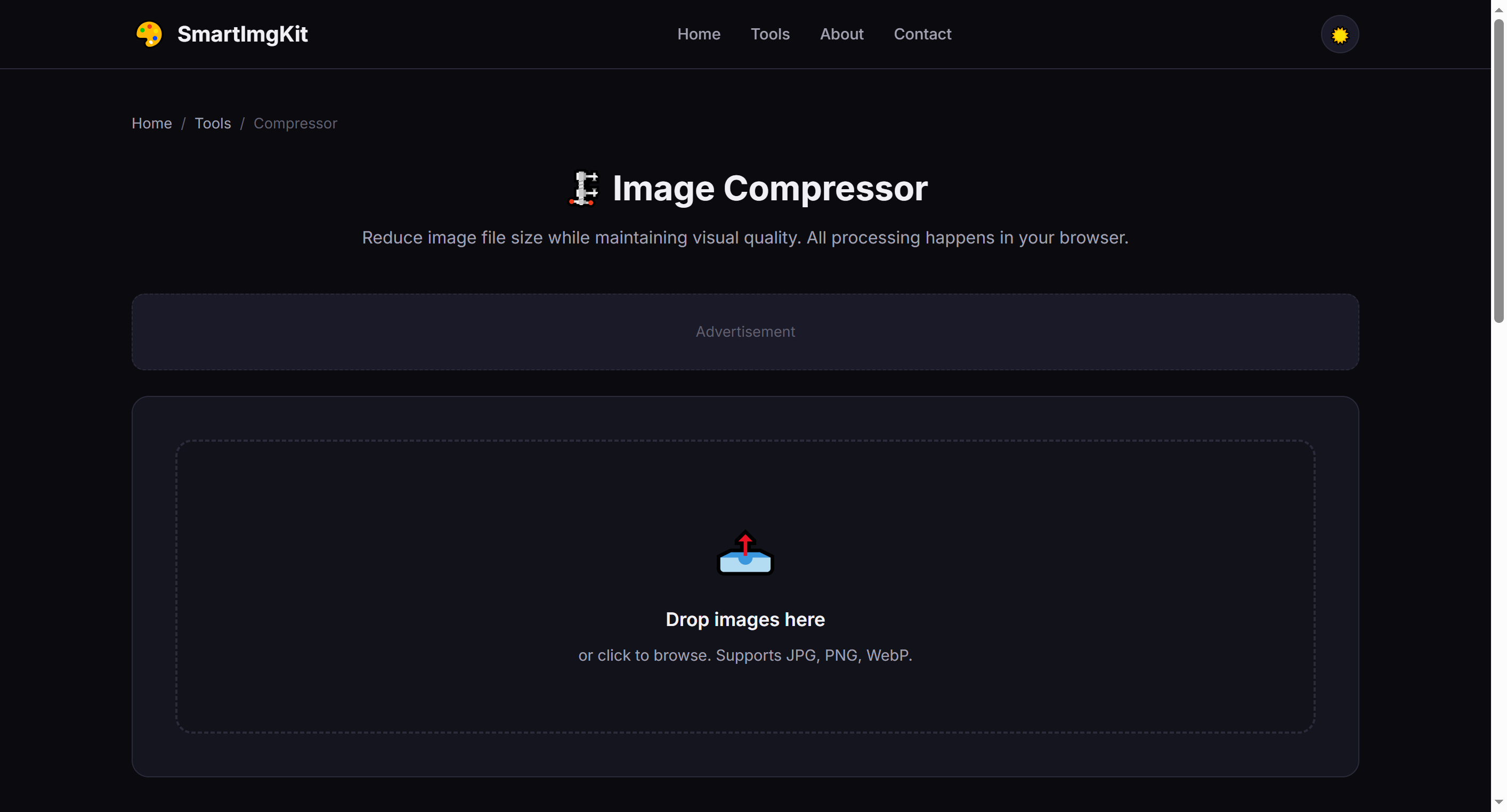
The compressor interface — upload an image to see original size and dimensions
Step 2: Adjust Quality Settings
Use the Quality slider (10%–95%) to control the compression level:
- 80-95% — Minimal quality loss, good for photos you want to keep sharp
- 50-70% — Balanced size reduction, ideal for web use
- 10-40% — Maximum compression, smallest file size (more visible quality loss)
Tip: PNG files use lossless compression — quality slider has no effect on PNG output. Convert to JPG or WebP first if you need smaller files.
Step 3: Compress & Compare
Click "Compress" to process. The tool shows both original and compressed versions side-by-side, along with the exact file size and percentage saved. Click "Download" to save the optimized image.
Best Use Cases
- Website optimization — Reduce page load times by compressing hero images and galleries
- Email attachments — Stay under size limits when sending photos
- Social media uploads — Faster uploads without noticeable quality loss at 70-80%
- Storage saving — Batch-compress photo collections (process one at a time)
Pro Tips
- For photos with text or fine details, stay above 70% quality to keep text readable
- WebP format typically gives 25-35% smaller files than JPG at the same quality
- PNG compression preserves transparency but won't reduce file size as much as JPG/WebP
- Compare the before/after preview to find your personal quality threshold
Questions Fréquentes
À 80-90%, la perte est imperceptible mais la taille est fortement réduite.
Jusqu'à 30 Mo par fichier.
Oui, tout le traitement se fait localement dans votre navigateur.