🔄 Convertisseur d'Image
Convertissez entre JPG, PNG, WebP, BMP, GIF. 100% dans le navigateur, gratuit.
🖼️ Try with a sample image
Comment Utiliser
1
Télécharger
Glissez-déposez votre image.
2
Choisir le Format
Sélectionnez le format de sortie (JPG, PNG, WebP, BMP, GIF).
3
Convertir
Cliquez pour convertir instantanément.
4
Télécharger
Enregistrez l'image convertie.
Detailed User Guide
Step 1: Upload Your Image
Upload any image in JPG, PNG, WebP, GIF, BMP, or TIFF format. The preview will show your original image.
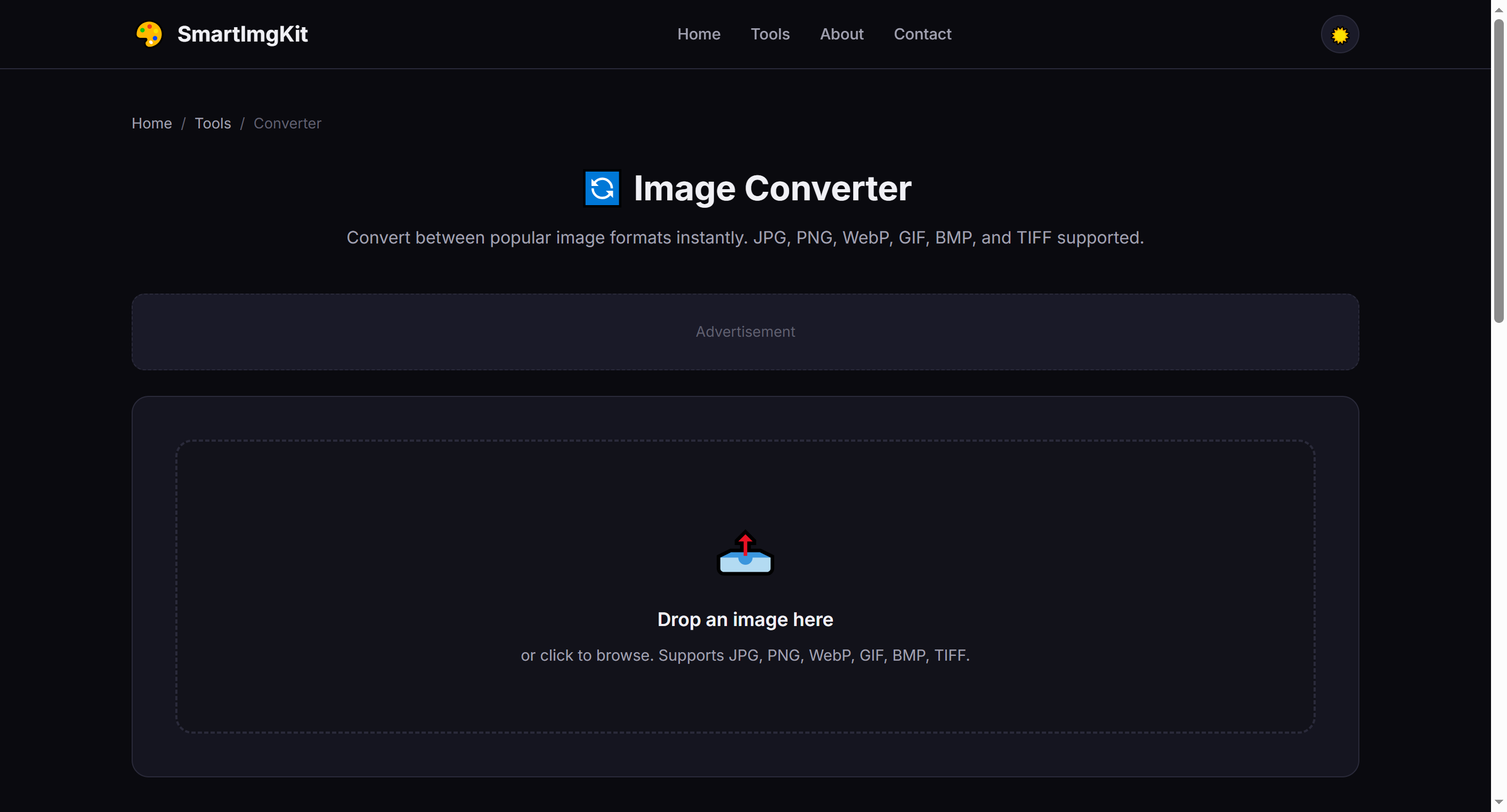
Upload an image and select your desired output format from the dropdown
Step 2: Choose Output Format
Select the target format from the dropdown. Here's a quick guide to help you choose:
- PNG — Best for images needing transparency; lossless quality
- JPG — Best for photographs; smaller file sizes, no transparency
- WebP — Modern format, 25-35% smaller than JPG with transparency support
- GIF — For simple animations or very small images with limited colors
- BMP — Uncompressed, very large files; rarely needed today
Step 3: Convert & Download
Click "Convert" and the tool will process your image. The converted file size is displayed. Click "Download" to save with the appropriate file extension.
Warning: Converting to JPG will remove any transparency. If your source has transparent areas, use PNG or WebP instead.
Common Conversion Scenarios
- PNG → JPG — Reduce file size for web photos that don't need transparency
- JPG → PNG — Add transparency (note: transparent areas will be filled with white first)
- Any → WebP — Optimize for modern websites with best compression
- BMP/ TIFF → PNG — Convert legacy formats to web-friendly PNG
Pro Tips
- WebP is supported by all modern browsers and is the best all-around choice for web
- PNG to JPG conversion can reduce file size by 50-80% for photographic images
- When converting animated GIFs, only the first frame is preserved (use a dedicated GIF tool for animations)
- The output quality is set to 92% for lossy formats — a good balance of quality and size
Questions Fréquentes
Entrée : JPG, PNG, WebP, BMP, GIF. Sortie : JPG, PNG, WebP.
La conversion vers des formats avec perte (JPG) peut réduire la qualité. PNG vers PNG est sans perte.
Maximum 30 Mo par fichier.