📋 Base64 Encoder
Convert images to Base64 data URLs for embedding in HTML, CSS, and JavaScript. Or decode Base64 back to an image.
Base64 Encoder/Decoder: Encode and decode Base64 data
Base64 Encoder/Decoder lets you encode and decode base64 data. Upload text or images and get base64 strings — all processed locally in your browser, with no uploads and no sign-up.
Encode images as Base64 for inline CSS
Encode images as Base64 for inline CSS. This is one of the most common reasons people reach for Base64 Encoder/Decoder — and it handles the job in seconds, entirely in your browser.
Decode Base64 strings to text
Decode Base64 strings to text. This is one of the most common reasons people reach for Base64 Encoder/Decoder — and it handles the job in seconds, entirely in your browser.
Convert data URIs for embedding
Convert data URIs for embedding. This is one of the most common reasons people reach for Base64 Encoder/Decoder — and it handles the job in seconds, entirely in your browser.
Everything You Need in a Base64 Encoder/Decoder
Powerful features that make Base64 Encoder/Decoder fast, private, and free.
Instant Processing
Conversion and validation happen as you type.
Developer-Grade
Built for accurate, standards-compliant results.
100% Private
All processing is local — no data is sent anywhere.
Copy & Export
One-click copy to clipboard for quick use.
Free Forever
No sign-up, no API keys, no limits.
Regex & JSON Support
Full regular expression and JSON validation built in.
How to Use
Choose Direction
Switch between Encode (image→text) or Decode (text→image).
Input
Upload an image or paste a Base64 string.
Get Result
Copy the output or download it directly.
Detailed User Guide
Mode 1: Image → Base64 (Encoding)
Convert any image to a Base64 data URL for embedding directly in code.
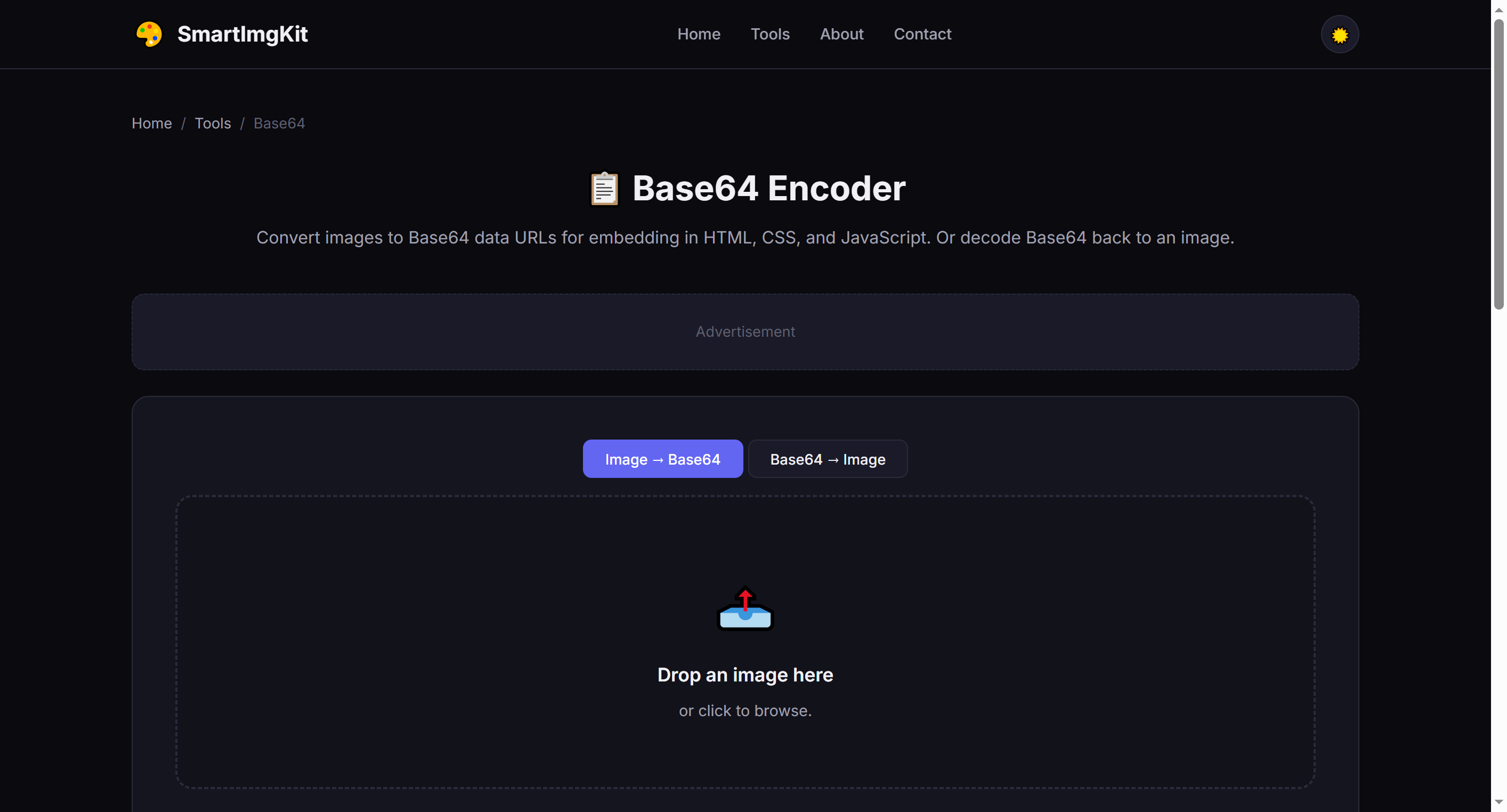
- Upload an image (JPG, PNG, WebP, GIF, BMP)
- Click "Encode to Base64"
- The full data URL appears in the text area (format:
data:image/png;base64,...) - Click "Copy" to copy to clipboard, or "Download as .txt" to save
Mode 2: Base64 → Image (Decoding)
Convert a Base64 string back to a viewable and downloadable image.
- Switch to the "Base64 → Image" tab
- Paste a Base64 string or full data URL into the text area
- Click "Decode to Image"
- The decoded image appears below — click "Download Image" to save
data:image/... prefix, the tool will auto-detect and add the appropriate header.Best Use Cases
- Inline HTML images — Embed small icons and logos directly in HTML without external files
- CSS backgrounds — Use Base64 in
background-image: url()for self-contained stylesheets - Email signatures — Ensure images display correctly in email clients
- Single-file demos — Create standalone HTML files with embedded images
- API testing — Inspect and decode Base64 image data from API responses
Pro Tips
- Base64 increases file size by approximately 33% — only use it for small images (<50KB ideally)
- Data URLs work in all modern browsers and most email clients
- For CSS, use
background-image: url('data:image/png;base64,...') - For HTML, use
<img src="data:image/png;base64,..."> - Very large images (>2MB) will produce extremely long strings that may slow down page rendering
Recommended Gear for Creators & Developers
Upgrade your workspace with these essentials.
SanDisk Extreme SSD 1TB
Rugged portable SSD — fast backup for photos, videos, and large files.
Mini Mic Pro for iPhone
#1 best-selling iPhone microphone — crystal-clear audio for videos and podcasts.
LED Light Tracing Pad
Light box for tracing sketches, inking, and artwork.
Glossy Photo Paper
High-quality photo paper for printing your edited pictures.
As an Amazon Associate, we earn from qualifying purchases.