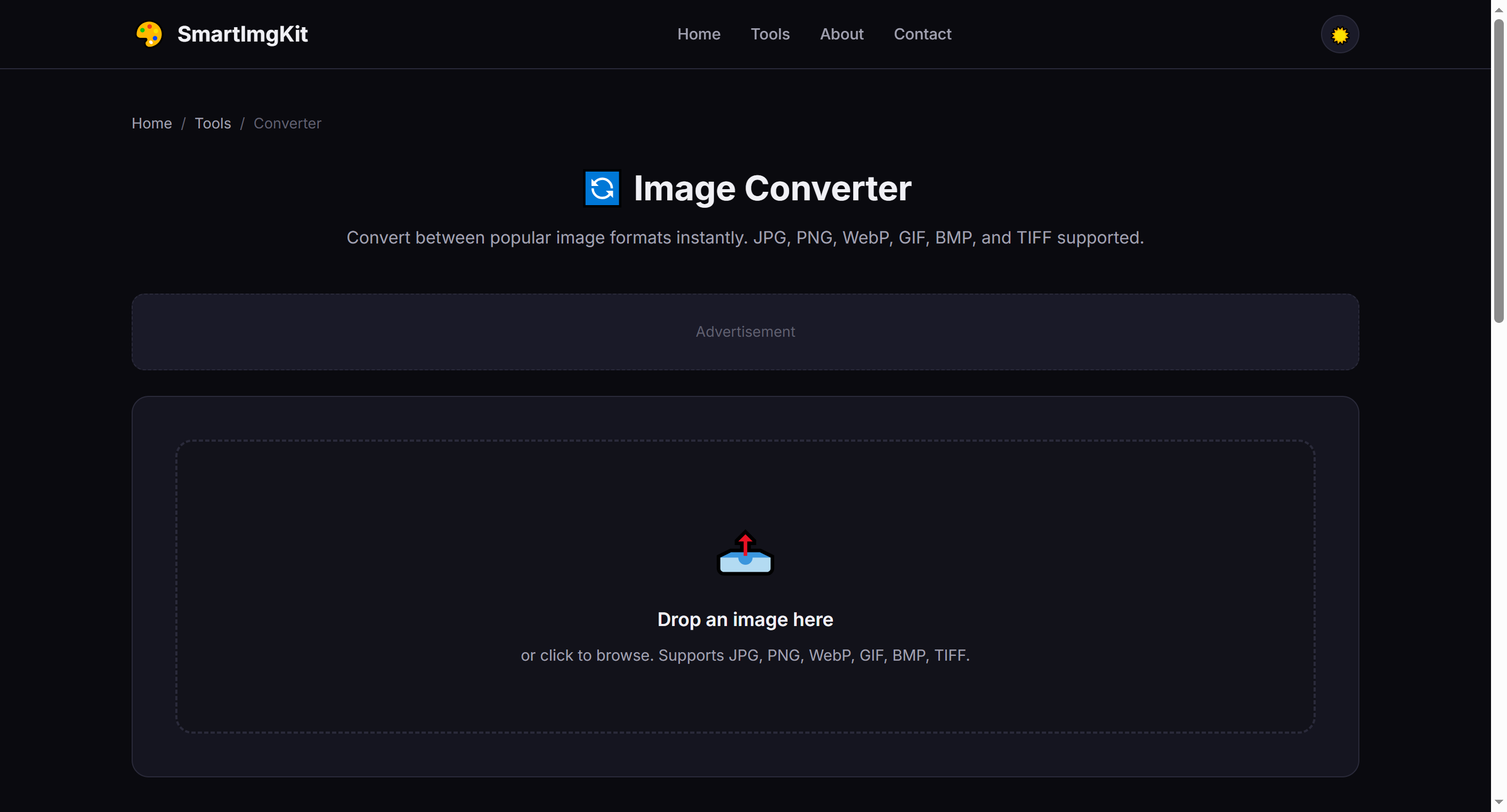
🔄 Image Converter
Convert between popular image formats instantly. JPG, PNG, WebP, GIF, BMP, and TIFF supported.
Image Converter: Convert between image formats instantly
Image Converter lets you convert between image formats instantly. Upload JPG, PNG, WebP, GIF, BMP, TIFF and get images in a new format — all processed locally in your browser, with no uploads and no sign-up.
Convert PNG to JPG to reduce file size
Convert PNG to JPG to reduce file size. This is one of the most common reasons people reach for Image Converter — and it handles the job in seconds, entirely in your browser.
Turn JPG into WebP for modern web performance
Turn JPG into WebP for modern web performance. This is one of the most common reasons people reach for Image Converter — and it handles the job in seconds, entirely in your browser.
Batch-convert HEIC shots for cross-platform sharing
Batch-convert HEIC shots for cross-platform sharing. This is one of the most common reasons people reach for Image Converter — and it handles the job in seconds, entirely in your browser.
Everything You Need in a Image Converter
Powerful features that make Image Converter fast, private, and free.
Instant Conversion
Files are processed in your browser the moment you upload — no waiting in a queue.
100% Private
Your files never leave your device. Everything runs locally in your browser.
Adjustable Quality
Fine-tune compression or output settings to balance size and quality.
Batch Support
Process multiple files at once and download them together.
Free Forever
No sign-up, no watermarks, no hidden limits — completely free.
Cross-Platform
Works on Windows, Mac, Linux, iOS, and Android — any modern browser.
How to Use
Upload Image
Select the image you want to convert.
Choose Format
Pick the output format from the dropdown.
Convert & Download
Click Convert and save your new file.
Detailed User Guide
Step 1: Upload Your Image
Upload any image in JPG, PNG, WebP, GIF, BMP, or TIFF format. The preview will show your original image.
Step 2: Choose Output Format
Select the target format from the dropdown. Here's a quick guide to help you choose:
- PNG — Best for images needing transparency; lossless quality
- JPG — Best for photographs; smaller file sizes, no transparency
- WebP — Modern format, 25-35% smaller than JPG with transparency support
- GIF — For simple animations or very small images with limited colors
- BMP — Uncompressed, very large files; rarely needed today
Step 3: Convert & Download
Click "Convert" and the tool will process your image. The converted file size is displayed. Click "Download" to save with the appropriate file extension.
Common Conversion Scenarios
- PNG → JPG — Reduce file size for web photos that don't need transparency
- JPG → PNG — Add transparency (note: transparent areas will be filled with white first)
- Any → WebP — Optimize for modern websites with best compression
- BMP/ TIFF → PNG — Convert legacy formats to web-friendly PNG
Pro Tips
- WebP is supported by all modern browsers and is the best all-around choice for web
- PNG to JPG conversion can reduce file size by 50-80% for photographic images
- When converting animated GIFs, only the first frame is preserved (use a dedicated GIF tool for animations)
- The output quality is set to 92% for lossy formats — a good balance of quality and size
Recommended Tools for Image Projects
Check these useful supplies to print and create your edited images.
Glossy Photo Paper
High-quality photo paper for printing your edited pictures.
Canon SELPHY CP1500
Wireless compact photo printer — print 4x6 photos from your phone.
Matte Inkjet Art Paper
Matte heavy-weight paper for art prints & graphic works.
SanDisk Extreme SSD 1TB
Rugged portable SSD — fast backup for photos, videos, and large files.
Etekcity 24" 5-in-1 Reflector
Ultra-lightweight 8oz reflector — easy to carry on location shoots.
As an Amazon Associate, we earn from qualifying purchases.