🎨 Palet Warna
Ekstrak warna dominan dari gambar apa pun.
✨ Lihat yang bisa dilakukan alat ini

Sebelum
🎨
After — processed
Extracted Palette
CSS Variables
Cara Menggunakan
1
Unggah
Pilih gambar untuk dianalisis.
2
Sesuaikan Jumlah
Pilih berapa banyak warna dominan yang diekstrak (3–12).
3
Ekstrak & Salin
Klik Ekstrak Warna, lalu klik warna apa pun untuk menyalin kode HEX.
Panduan Lengkap
Langkah 1: Unggah Gambar Anda
Unggah gambar JPG, PNG, atau WebP apa pun. Bekerja bagus dengan foto, karya seni, screenshot, atau gambar apa pun dengan warna menarik.
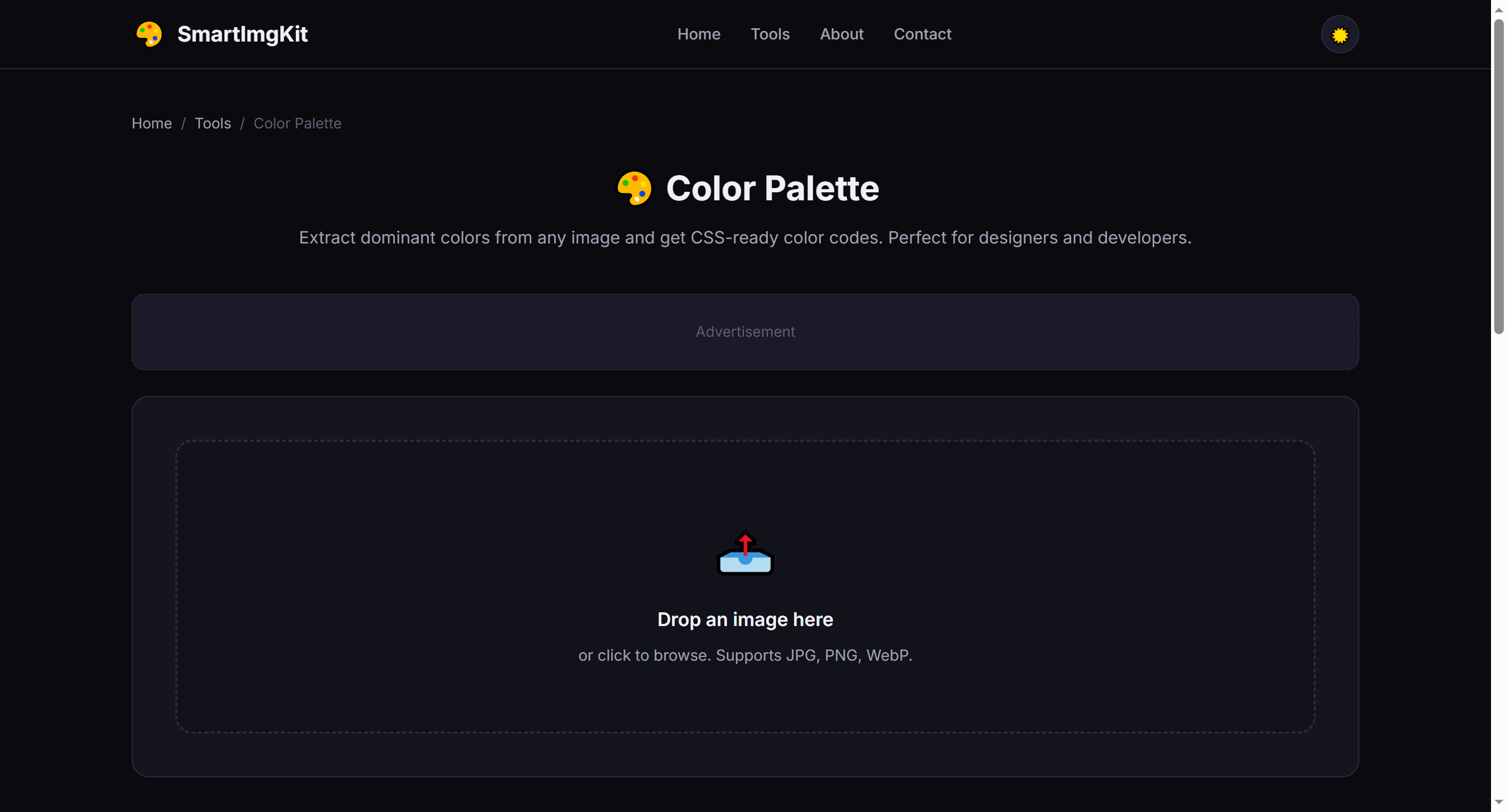
Upload an image and choose how many dominant colors to extract
Langkah 2: Pilih Jumlah Warna
Gunakan slider untuk memilih berapa banyak warna yang diekstrak (3–12). Lebih banyak warna memberikan palet yang lebih kaya; lebih sedikit warna memberikan skema yang lebih fokus dan minimalis.
- 3-4 colors — Ideal for simple branding and minimalist designs
- 5-6 colors — Balanced palette for most web and UI projects
- 8-12 colors — Comprehensive palette for complex designs and illustrations
Langkah 3: Ekstrak & Gunakan
Klik "Ekstrak Warna" untuk menganalisis gambar. Alat ini menampilkan:
- Color swatches with HEX and RGB values
- Ready-to-use CSS variables that you can copy directly into your stylesheet
Klik swatch warna apa pun untuk menyalin kode HEX-nya ke clipboard secara instan.
Tip: The first color is usually the most dominant. Use it as your primary brand color, and the rest as accents and neutrals.
Kasus Penggunaan Terbaik
- Brand color inspiration — Extract colors from a mood board or reference image
- Website theming — Match your site's palette to a key photograph or product image
- UI design — Generate accessible color schemes for apps and dashboards
- Art & illustration — Build harmonious color palettes from nature photos or artwork
Tips Profesional
- Images with strong, distinct colors produce the best palettes
- Use the CSS output directly in your project's
:rootfor consistent theming - Try extracting from multiple images and combining palettes for unique combinations
- The algorithm finds visually dominant colors, not just statistically frequent ones
Pertanyaan Umum
Kami menggunakan kuantisasi untuk menemukan warna dominan visual.
Setiap warna menampilkan HEX. Output CSS menyediakan properti kustom.
Ya. Klik swatch warna untuk salin HEX ke clipboard.