🔄 Balik Gambar
Flip images horizontally or vertically with a mirror effect. All processing happens in your browser.
✨ Lihat yang bisa dilakukan alat ini
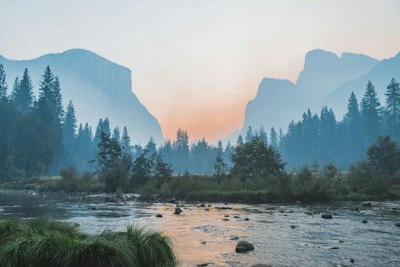
Asli
🔄
After — flipped
Cara Menggunakan
1
Unggah
Pilih gambar dari perangkat Anda atau coba dengan sampel.
2
Pilih Arah
Balik gambar horizontal atau vertikal.
3
Unduh
Klik Terapkan untuk memproses, lalu Unduh untuk menyimpan.
Panduan Lengkap
Langkah 1: Unggah Gambar Anda
Klik dropzone atau seret dan lepas file gambar (JPG, PNG, atau WebP). Gambar asli akan ditampilkan dan Anda dapat melihat pratinjau efek balik segera.
Langkah 2: Pilih Arah Balik
Pilih arah balik:
- Horizontal Flip — Mirror the image left to right. Useful for fixing selfie photos or creating mirror effects.
- Vertical Flip — Mirror the image top to bottom. Creates an upside-down reflection effect.
- Both — Apply both horizontal and vertical flip at once (180° rotation equivalent).
Tip: Horizontal flip is great for correcting text in mirrored selfies, or creating symmetric mirror effects for social media.
Langkah 3: Terapkan & Unduh
Klik "Terapkan Balik" untuk memproses gambar, lalu klik "Unduh" untuk menyimpan gambar yang dibalik sebagai file PNG.
Kasus Penggunaan Terbaik
- Selfie correction — Flip a mirrored selfie to show the true scene
- Mirror effects — Create symmetric designs for logos and social posts
- Text correction — Fix backwards text in reflected surfaces
- Art projects — Create kaleidoscope or reflection effects
Pertanyaan Umum
Tidak. Membalik mencerminkan; memutar memutarkan.
Tidak. Membalik menyusun ulang piksel. Output PNG.
Alat ini membalik seluruh gambar.