🖼️ Potong Gambar
Potong bebas dan rasio preset.
✨ Lihat yang bisa dilakukan alat ini
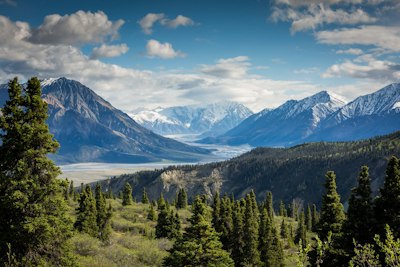
Sebelum
✂️
After — processed
Cara Menggunakan
1
Unggah
Pilih gambar yang ingin Anda potong.
2
Sesuaikan Pilihan
Seret overlay untuk memindahkan, atau gunakan handle untuk mengubah ukuran. Pilih preset rasio aspek jika perlu.
3
Potong & Simpan
Klik Potong dan unduh hasilnya.
Panduan Lengkap
Langkah 1: Unggah Gambar Anda
Unggah gambar JPG, PNG, atau WebP. Gambar penuh muncul di ruang kerja dengan overlay potong bertitik.
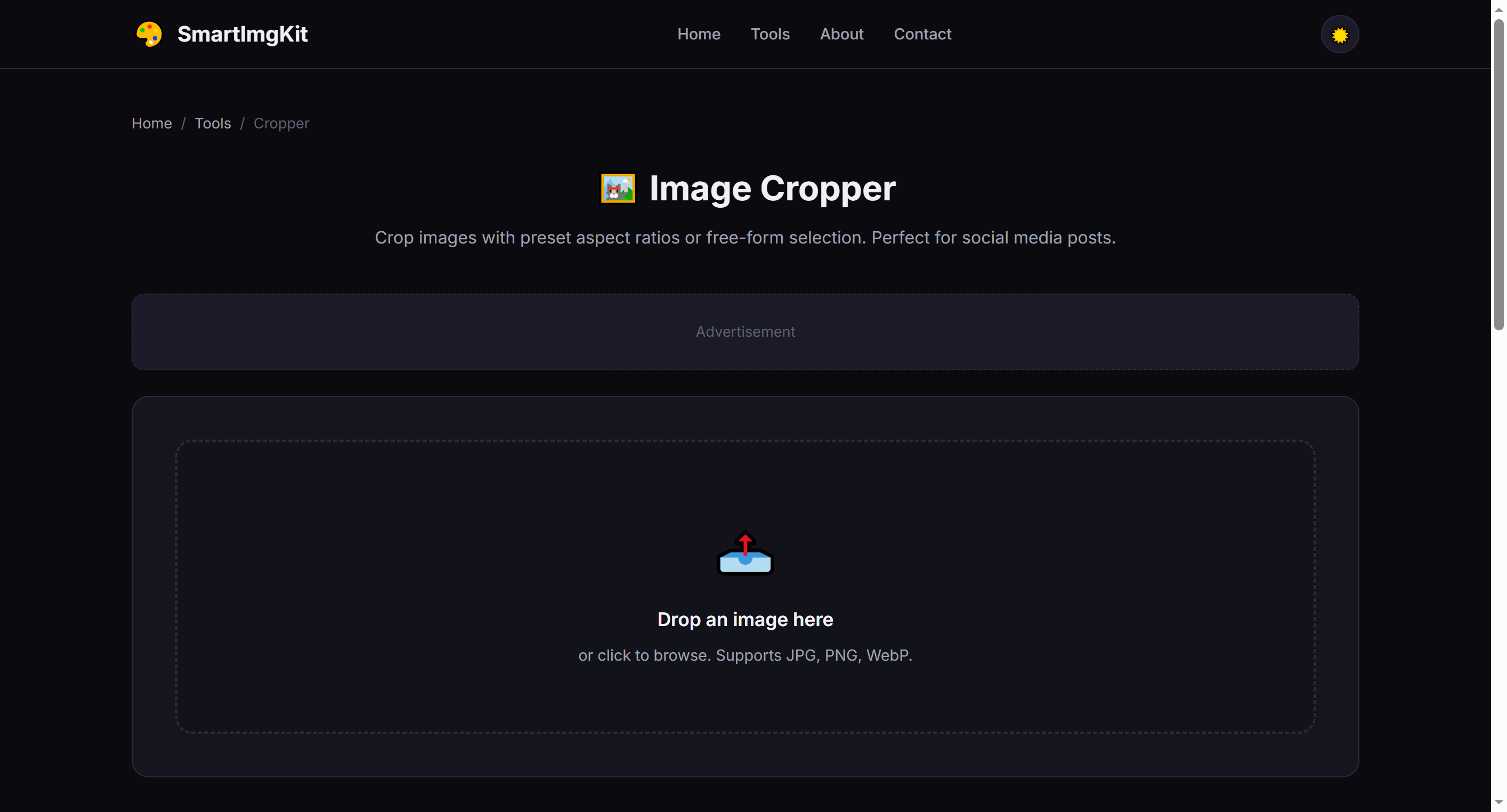
The cropper workspace — the dashed overlay shows the area to be kept
Langkah 2: Sesuaikan Area Potong
Anda dapat berinteraksi dengan overlay potong dalam dua cara:
- Move: Click and drag anywhere inside the dashed overlay to reposition it over your desired area
- Resize: Drag the corner handles (small circles at each corner) to adjust the crop dimensions
- Aspect ratio presets: Use the dropdown to lock to common ratios like 1:1 (Instagram), 16:9 (widescreen), or 9:16 (Stories)
Tip: When a preset ratio is selected, resizing one corner automatically adjusts the other dimension to maintain the ratio.
Langkah 3: Potong & Unduh
Klik "Potong" untuk menerapkan. Gambar dipotong sesuai pilihan Anda dan overlay menghilang. Klik "Unduh" untuk menyimpan sebagai PNG.
Kasus Penggunaan Terbaik
- Social media cropping — Use preset ratios to match platform requirements exactly
- Photo framing — Remove unwanted edges or improve composition (rule of thirds)
- Thumbnail creation — Crop to the most visually interesting part of an image
- Uniform image sets — Apply the same aspect ratio to a series of photos for consistency
Tips Profesional
- Cropping never reduces the quality of the remaining pixels — it simply removes unwanted areas
- For portraits, place the subject's eyes along the top third line for pleasing composition
- The 1:1 preset is perfect for Instagram posts; 9:16 for Stories and Reels
- After cropping, you can use the Resizer tool to adjust to exact pixel dimensions
Pertanyaan Umum
Gunakan rasio: 1:1 Instagram, 9:16 Stories/Reels, 16:9 Twitter/X.
Tidak. Memotong hanya menghapus piksel. Area tersisa pertahankan kualitas.
Seret dalam overlay garis putus-putus. Seret sudut untuk ubah ukuran.