🗜️ Kompres Gambar
Kurangi ukuran file tanpa kehilangan kualitas.
✨ Lihat yang bisa dilakukan alat ini
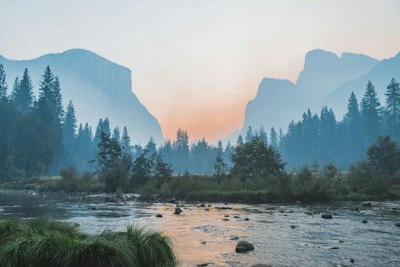
Sebelum
📦
After — processed
Asli
Compressed
Cara Menggunakan
1
Unggah
Pilih gambar JPG, PNG, atau WebP dari perangkat Anda.
2
Sesuaikan Kualitas
Gunakan slider untuk menyeimbangkan ukuran file dan kualitas gambar.
3
Kompres & Unduh
Klik Kompres dan unduh gambar yang dioptimalkan.
Panduan Lengkap
Langkah 1: Unggah Gambar Anda
Klik dropzone atau seret dan lepas gambar JPG, PNG, atau WebP. Ukuran dan dimensi file asli akan ditampilkan di samping pratinjau.
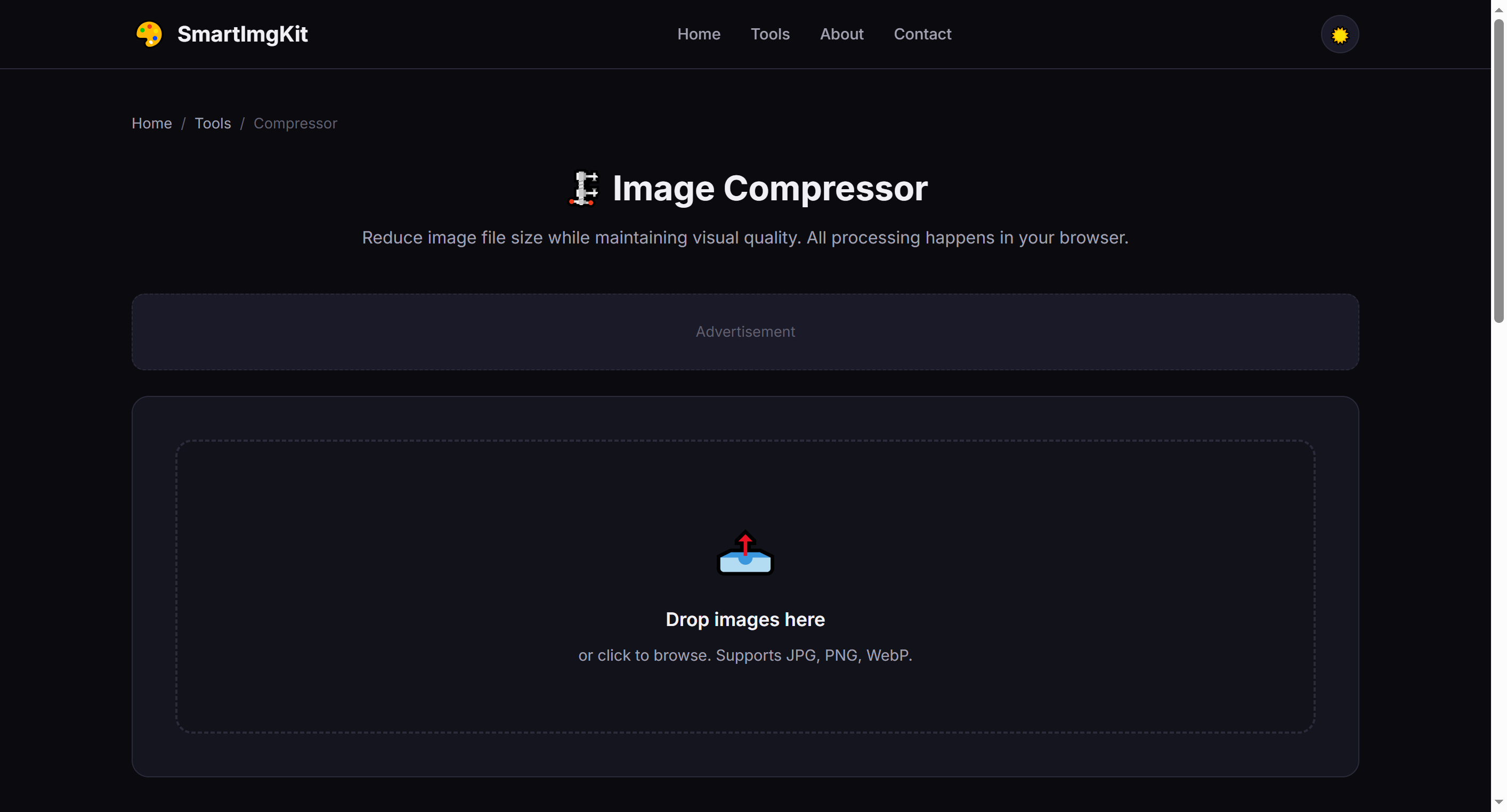
The compressor interface — upload an image to see original size and dimensions
Langkah 2: Sesuaikan Pengaturan Kualitas
Gunakan slider Kualitas (10%–95%) untuk mengontrol level kompresi:
- 80-95% — Minimal quality loss, good for photos you want to keep sharp
- 50-70% — Balanced size reduction, ideal for web use
- 10-40% — Maximum compression, smallest file size (more visible quality loss)
Tip: PNG files use lossless compression — quality slider has no effect on PNG output. Convert to JPG or WebP first if you need smaller files.
Langkah 3: Kompres & Bandingkan
Klik "Kompres" untuk memproses. Alat ini menampilkan versi asli dan terkompresi berdampingan, beserta ukuran file yang tepat dan persentase yang dihemat. Klik "Unduh" untuk menyimpan gambar yang dioptimalkan.
Kasus Penggunaan Terbaik
- Website optimization — Reduce page load times by compressing hero images and galleries
- Email attachments — Stay under size limits when sending photos
- Social media uploads — Faster uploads without noticeable quality loss at 70-80%
- Storage saving — Batch-compress photo collections (process one at a time)
Tips Profesional
- For photos with text or fine details, stay above 70% quality to keep text readable
- WebP format typically gives 25-35% smaller files than JPG at the same quality
- PNG compression preserves transparency but won't reduce file size as much as JPG/WebP
- Compare the before/after preview to find your personal quality threshold
Pertanyaan Umum
Di JPG/WebP beberapa hilang. Penggeser kontrol. PNG lossless.
Input: JPG, PNG, WebP. Output: JPG atau PNG.
Tanpa batasan, tapi >20MB bisa bermasalah.
Satu per satu. Kompresi batch direncanakan.