🔄 Konversi Gambar
Konversi antara JPG, PNG, WebP, GIF, BMP, dan TIFF.
🖼️ Coba dengan gambar contoh
Cara Menggunakan
1
Unggah Gambar
Pilih gambar yang ingin Anda konversi.
2
Pilih Format
Pilih format output dari dropdown.
3
Konversi & Unduh
Klik Konversi dan simpan file baru Anda.
Panduan Lengkap
Langkah 1: Unggah Gambar Anda
Unggah gambar apa pun dalam format JPG, PNG, WebP, GIF, BMP, atau TIFF. Pratinjau akan menampilkan gambar asli Anda.
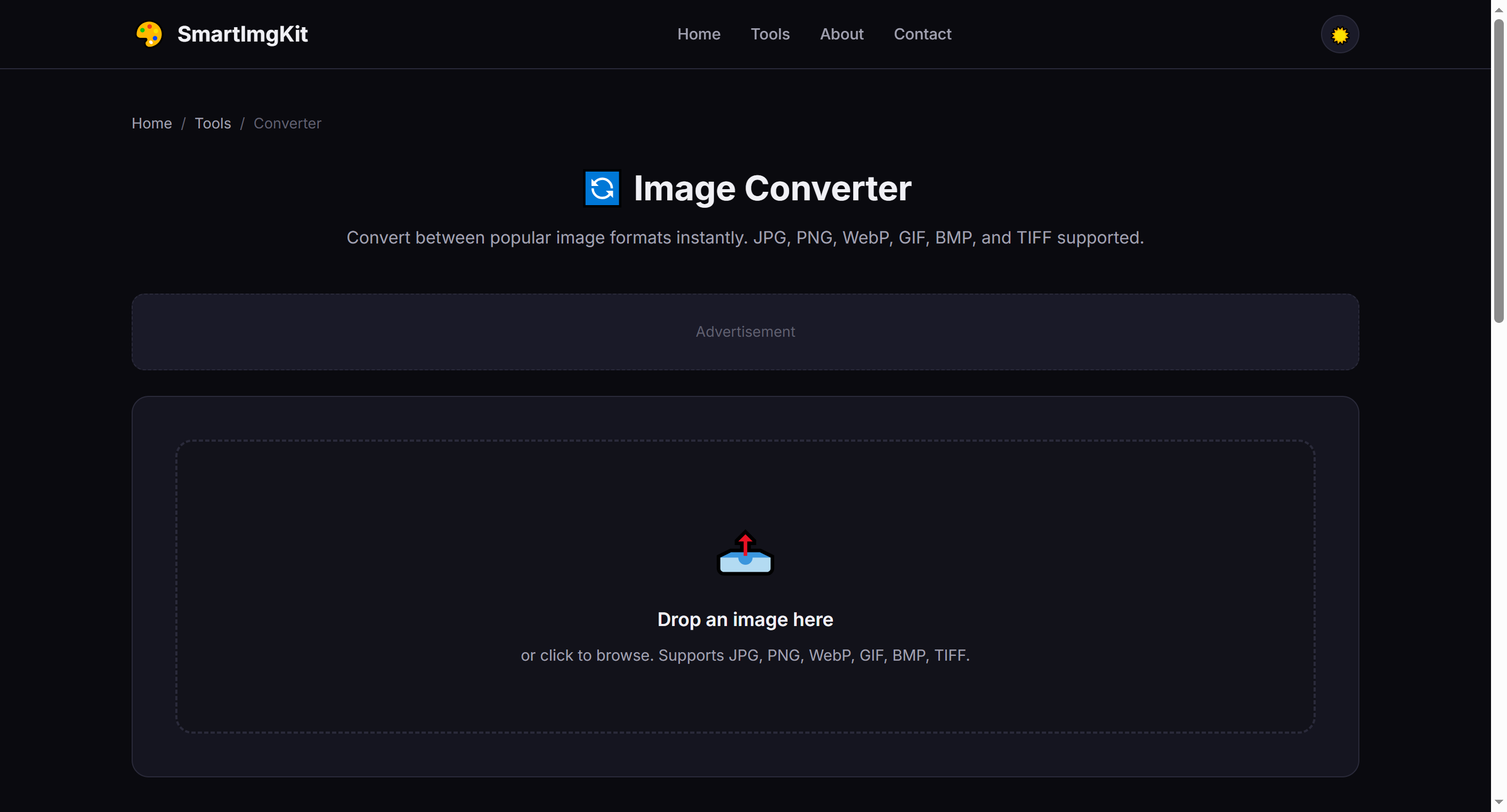
Upload an image and select your desired output format from the dropdown
Langkah 2: Pilih Format Output
Pilih format target dari dropdown. Berikut panduan singkat untuk membantu Anda memilih:
- PNG — Best for images needing transparency; lossless quality
- JPG — Best for photographs; smaller file sizes, no transparency
- WebP — Modern format, 25-35% smaller than JPG with transparency support
- GIF — For simple animations or very small images with limited colors
- BMP — Uncompressed, very large files; rarely needed today
Langkah 3: Konversi & Unduh
Klik "Konversi" dan alat akan memproses gambar Anda. Ukuran file yang dikonversi ditampilkan. Klik "Unduh" untuk menyimpan dengan ekstensi file yang sesuai.
Warning: Converting to JPG will remove any transparency. If your source has transparent areas, use PNG or WebP instead.
Skenario Konversi Umum
- PNG → JPG — Reduce file size for web photos that don't need transparency
- JPG → PNG — Add transparency (note: transparent areas will be filled with white first)
- Any → WebP — Optimize for modern websites with best compression
- BMP/ TIFF → PNG — Convert legacy formats to web-friendly PNG
Tips Profesional
- WebP is supported by all modern browsers and is the best all-around choice for web
- PNG to JPG conversion can reduce file size by 50-80% for photographic images
- When converting animated GIFs, only the first frame is preserved (use a dedicated GIF tool for animations)
- The output quality is set to 92% for lossy formats — a good balance of quality and size
Pertanyaan Umum
Input: JPG, PNG, WebP, GIF, BMP, TIFF. Output: PNG, JPG, WebP, GIF, BMP.
Ya. JPG tidak dukung. Gunakan PNG atau WebP.
WebP 25-35% lebih kecil dengan kualitas setara, dukung transparansi.
PNG, WebP lossless dan BMP pertahankan. JPG mungkin kurangi sedikit.