🔐 Base64 编解码
Convert images to Base64 data URLs for embedding in HTML, CSS, and JavaScript. Or decode Base64 back to an image.
🖼️ Try with a sample image
![Preview]()
编码和解码 Base64 数据
将图片编码为 Base64 用于内联 CSS
100% 隐私 —— 浏览器端运行
Base64 编解码器:编码和解码 Base64 数据
Base64 编解码器让你编码和解码 Base64 数据。全部在浏览器本地处理,无需上传、无需注册。
将图片编码为 Base64 用于内联 CSS
将图片编码为 Base64 用于内联 CSS。这是人们使用Base64 编解码器最常见的理由之一——几秒内即可在浏览器中完成。
解码 Base64 字符串为文本
解码 Base64 字符串为文本。这是人们使用Base64 编解码器最常见的理由之一——几秒内即可在浏览器中完成。
转换数据 URI 用于嵌入
转换数据 URI 用于嵌入。这是人们使用Base64 编解码器最常见的理由之一——几秒内即可在浏览器中完成。
Base64 编解码器所需的一切功能
让Base64 编解码器快速、私密且免费的强大功能。
即时处理
输入即转换、即校验。
开发者级
为准确、符合标准的结果而构建。
100% 隐私
全部本地处理——数据不外传。
复制导出
一键复制到剪贴板,方便使用。
永久免费
无需注册、无 API 密钥、无限制。
正则与 JSON
内置完整正则表达式和 JSON 校验。
100% 隐私
文件不离开浏览器
浏览器端
无需安装、不上传
永久免费
无需注册、无水印
无需注册
即刻开始,无需账号
How to Use
1
Choose Direction
Switch between Encode (image→text) or Decode (text→image).
2
Input
Upload an image or paste a Base64 string.
3
Get Result
Copy the output or download it directly.
Detailed User Guide
Mode 1: Image → Base64 (Encoding)
Convert any image to a Base64 data URL for embedding directly in code.
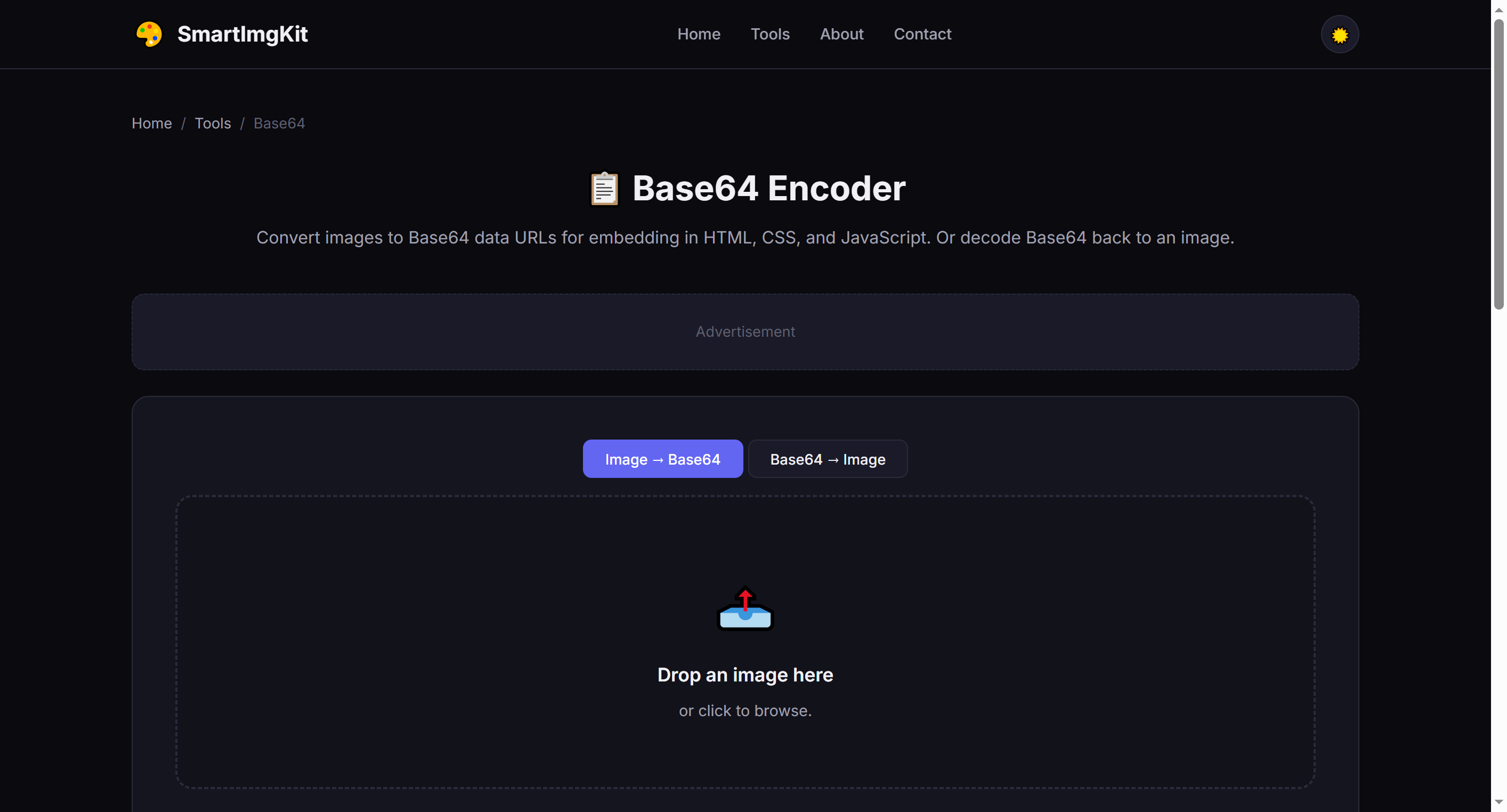
Switch between Encode and Decode modes using the tabs at the top
- Upload an image (JPG, PNG, WebP, GIF, BMP)
- Click "Encode to Base64"
- The full data URL appears in the text area (format:
data:image/png;base64,...) - Click "Copy" to copy to clipboard, or "Download as .txt" to save
When to use: Embed small icons directly in HTML/CSS to eliminate HTTP requests. Great for email signatures, single-file demos, and CSS background images.
Mode 2: Base64 → Image (Decoding)
Convert a Base64 string back to a viewable and downloadable image.
- Switch to the "Base64 → Image" tab
- Paste a Base64 string or full data URL into the text area
- Click "Decode to Image"
- The decoded image appears below — click "Download Image" to save
Note: If you paste a raw Base64 string without the
data:image/... prefix, the tool will auto-detect and add the appropriate header.Best Use Cases
- Inline HTML images — Embed small icons and logos directly in HTML without external files
- CSS backgrounds — Use Base64 in
background-image: url()for self-contained stylesheets - Email signatures — Ensure images display correctly in email clients
- Single-file demos — Create standalone HTML files with embedded images
- API testing — Inspect and decode Base64 image data from API responses
Pro Tips
- Base64 increases file size by approximately 33% — only use it for small images (<50KB ideally)
- Data URLs work in all modern browsers and most email clients
- For CSS, use
background-image: url('data:image/png;base64,...') - For HTML, use
<img src="data:image/png;base64,..."> - Very large images (>2MB) will produce extremely long strings that may slow down page rendering
常见问题
Base64 is a method to encode binary data (like images) as text. This lets you embed images directly in HTML/CSS without external files.
Base64 images reduce HTTP requests and can be useful for small icons, email signatures, or single-file HTML demos. However, they increase file size by ~33%.
Very large images (>5MB) will produce extremely long Base64 strings. This tool works best with images under 2MB.
The string must be a valid image Base64 (starting with data:image/...). Raw Base64 without the data URL prefix will be auto-detected if possible.
可以——将图片文件编码为 Base64 数据 URI。
是的——无损往返编解码。
够用——遵循标准规范(RFC 3986、JSON 规范等)。
不会。全部在浏览器内处理,关闭标签页即丢弃。