🗜️ 图片压缩器
Reduce image file size while maintaining visual quality. All processing happens in your browser.
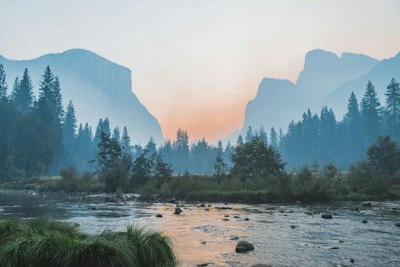
Original
Compressed
图片压缩器:在不损失可见画质的前提下减小图片体积
图片压缩器让你在不损失可见画质的前提下减小图片体积。全部在浏览器本地处理,无需上传、无需注册。
压缩图片以加快网站加载、提升 Core Web Vitals
压缩图片以加快网站加载、提升 Core Web Vitals。这是人们使用图片压缩器最常见的理由之一——几秒内即可在浏览器中完成。
压缩照片以符合邮件附件大小限制
压缩照片以符合邮件附件大小限制。这是人们使用图片压缩器最常见的理由之一——几秒内即可在浏览器中完成。
优化电商商品图片
优化电商商品图片。这是人们使用图片压缩器最常见的理由之一——几秒内即可在浏览器中完成。
图片压缩器所需的一切功能
让图片压缩器快速、私密且免费的强大功能。
即时转换
文件上传瞬间即在浏览器内处理——无需排队等待。
100% 隐私
文件从不离开你的设备,全部本地运行。
可调质量
精细调节压缩或输出设置,平衡体积与画质。
批量处理
一次处理多个文件并一起下载。
永久免费
无需注册、无水印、无隐藏限制。
跨平台
Windows、Mac、Linux、iOS、Android 任意现代浏览器可用。
How to Use
Upload
Select a JPG, PNG, or WebP image from your device.
Adjust Quality
Use the slider to balance file size and image quality.
Compress & Download
Click Compress and download the optimized image.
Detailed User Guide
Step 1: Upload Your Image
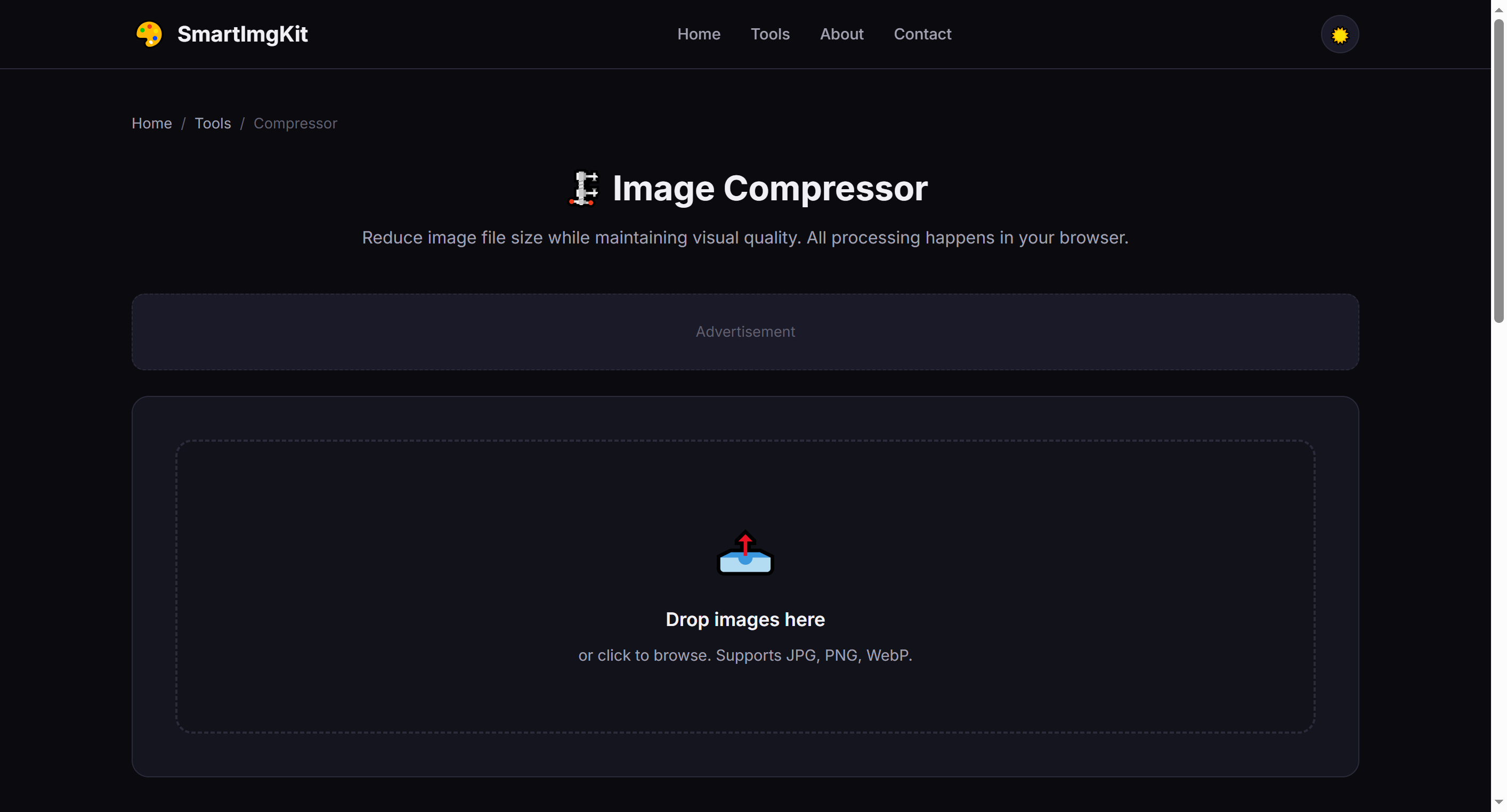
Click the dropzone or drag and drop a JPG, PNG, or WebP image. The original file size and dimensions will be displayed next to the preview.
Step 2: Adjust Quality Settings
Use the Quality slider (10%–95%) to control the compression level:
- 80-95% — Minimal quality loss, good for photos you want to keep sharp
- 50-70% — Balanced size reduction, ideal for web use
- 10-40% — Maximum compression, smallest file size (more visible quality loss)
Step 3: Compress & Compare
Click "Compress" to process. The tool shows both original and compressed versions side-by-side, along with the exact file size and percentage saved. Click "Download" to save the optimized image.
Best Use Cases
- Website optimization — Reduce page load times by compressing hero images and galleries
- Email attachments — Stay under size limits when sending photos
- Social media uploads — Faster uploads without noticeable quality loss at 70-80%
- Storage saving — Batch-compress photo collections (process one at a time)
Pro Tips
- For photos with text or fine details, stay above 70% quality to keep text readable
- WebP format typically gives 25-35% smaller files than JPG at the same quality
- PNG compression preserves transparency but won't reduce file size as much as JPG/WebP
- Compare the before/after preview to find your personal quality threshold