🎨 取色器
Extract dominant colors from any image and get CSS-ready color codes. Perfect for designers and developers.
Extracted Palette
CSS Variables
配色提取器:从图片提取主色调
配色提取器让你从图片提取主色调。全部在浏览器本地处理,无需上传、无需注册。
从照片构建品牌色板
从照片构建品牌色板。这是人们使用配色提取器最常见的理由之一——几秒内即可在浏览器中完成。
为设计寻找匹配色
为设计寻找匹配色。这是人们使用配色提取器最常见的理由之一——几秒内即可在浏览器中完成。
分析图片配色方案
分析图片配色方案。这是人们使用配色提取器最常见的理由之一——几秒内即可在浏览器中完成。
配色提取器所需的一切功能
让配色提取器快速、私密且免费的强大功能。
即时分析
上传或粘贴瞬间即出结果。
详细输出
获得精确的统计、代码或对比。
100% 隐私
全部本地分析——不上传任何内容。
无损操作
原文件绝不会被修改。
永久免费
无需注册、无限制、完全免费。
跨平台
任意现代浏览器设备可用。
How to Use
Upload
Select an image to analyze.
Adjust Count
Choose how many dominant colors to extract (3–12).
Extract & Copy
Click Extract Colors, then click any color to copy its hex code.
Detailed User Guide
Step 1: Upload Your Image
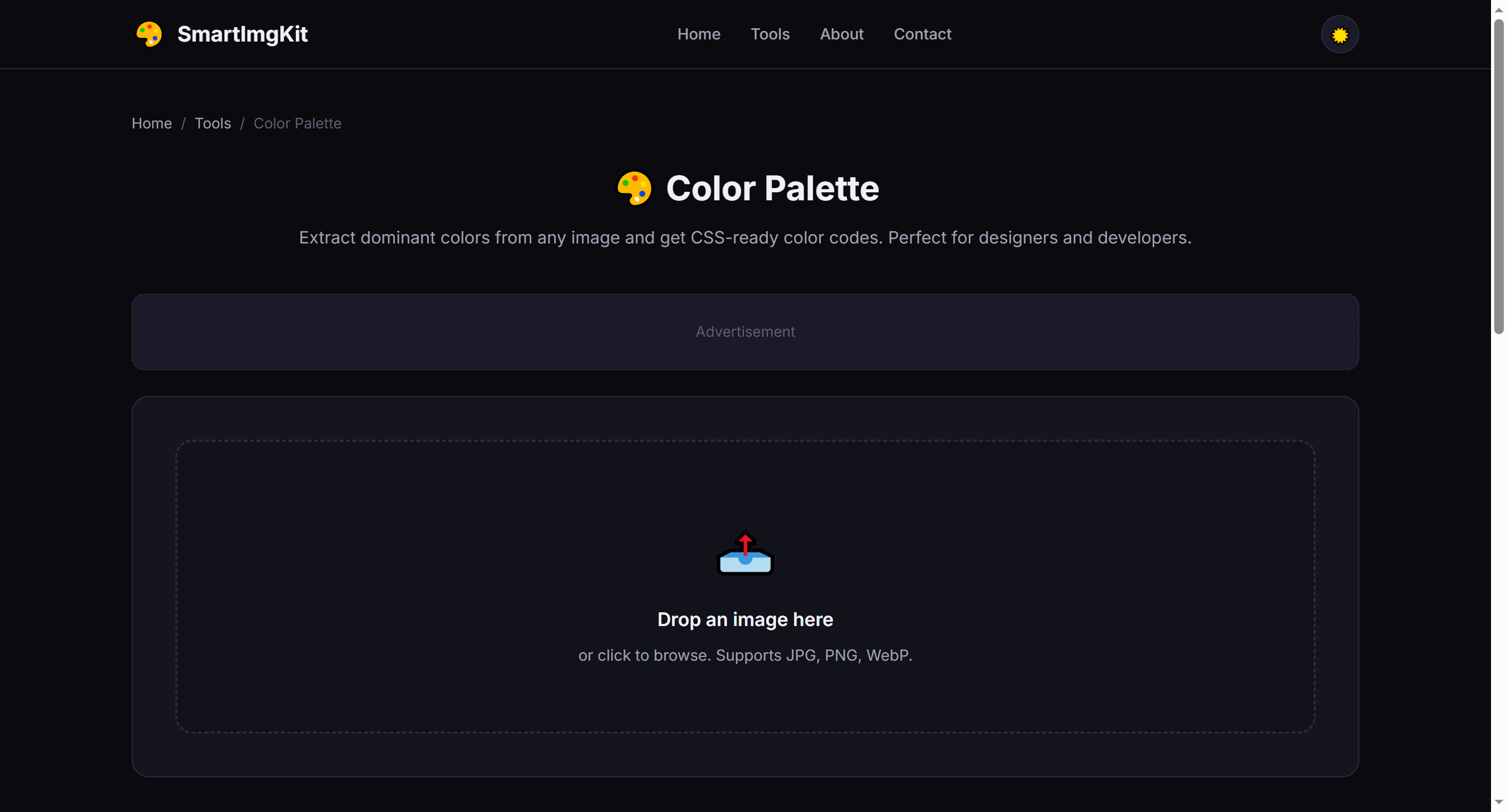
Upload any JPG, PNG, or WebP image. This works great with photos, artwork, screenshots, or any image with interesting colors.
Step 2: Choose Color Count
Use the slider to select how many colors to extract (3–12). More colors give a richer palette; fewer colors give a more focused, minimalist scheme.
- 3-4 colors — Ideal for simple branding and minimalist designs
- 5-6 colors — Balanced palette for most web and UI projects
- 8-12 colors — Comprehensive palette for complex designs and illustrations
Step 3: Extract & Use
Click "Extract Colors" to analyze the image. The tool displays:
- Color swatches with HEX and RGB values
- Ready-to-use CSS variables that you can copy directly into your stylesheet
Click any color swatch to copy its HEX code to your clipboard instantly.
Best Use Cases
- Brand color inspiration — Extract colors from a mood board or reference image
- Website theming — Match your site's palette to a key photograph or product image
- UI design — Generate accessible color schemes for apps and dashboards
- Art & illustration — Build harmonious color palettes from nature photos or artwork
Pro Tips
- Images with strong, distinct colors produce the best palettes
- Use the CSS output directly in your project's
:rootfor consistent theming - Try extracting from multiple images and combining palettes for unique combinations
- The algorithm finds visually dominant colors, not just statistically frequent ones