📋 Codificador Base64
Convierte imágenes a Base64 data URLs y viceversa.
🖼️ Probar con imagen de ejemplo
![Vista previa]()
Cómo Usar
1
Elegir Dirección
Cambia entre Codificar (imagen→texto) o Decodificar (texto→imagen).
2
Entrada
Sube una imagen o pega una cadena Base64.
3
Obtener Resultado
Copia el resultado o descárgalo directamente.
Guía Detallada
Modo 1: Imagen → Base64 (Codificar)
Convierte cualquier imagen a una URL de datos Base64 para incrustar directamente en código.
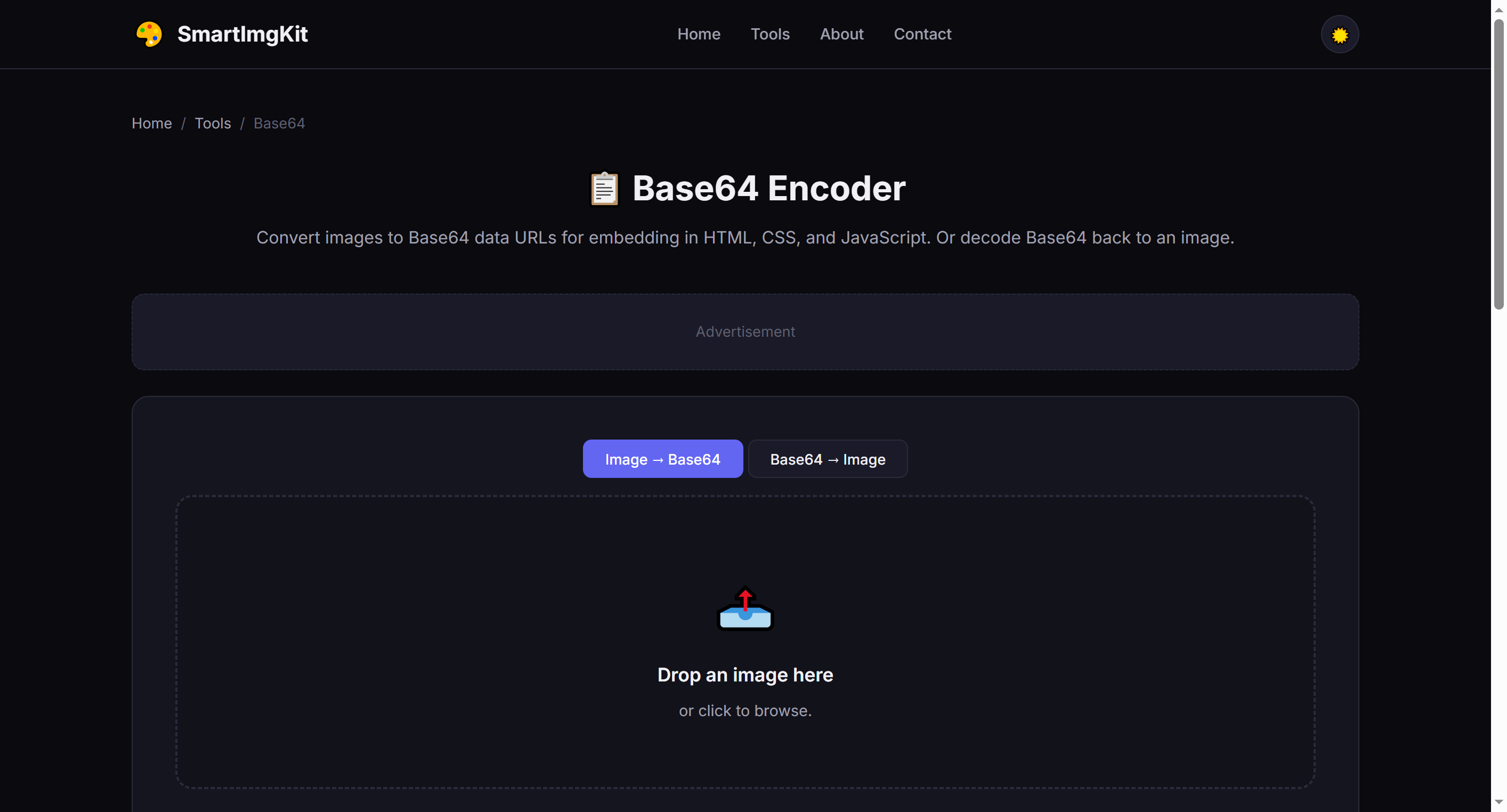
Switch between Encode and Decode modes using the tabs at the top
- Upload an image (JPG, PNG, WebP, GIF, BMP)
- Click "Encode to Base64"
- The full data URL appears in the text area (format:
data:image/png;base64,...) - Click "Copy" to copy to clipboard, or "Download as .txt" to save
When to use: Embed small icons directly in HTML/CSS to eliminate HTTP requests. Great for email signatures, single-file demos, and CSS background images.
Modo 2: Base64 → Imagen (Decodificar)
Convierte una cadena Base64 de vuelta a una imagen visible y descargable.
- Switch to the "Base64 → Image" tab
- Paste a Base64 string or full data URL into the text area
- Click "Decode to Image"
- The decoded image appears below — click "Download Image" to save
Note: If you paste a raw Base64 string without the
data:image/... prefix, the tool will auto-detect and add the appropriate header.Mejores Casos de Uso
- Inline HTML images — Embed small icons and logos directly in HTML without external files
- CSS backgrounds — Use Base64 in
background-image: url()for self-contained stylesheets - Email signatures — Ensure images display correctly in email clients
- Single-file demos — Create standalone HTML files with embedded images
- API testing — Inspect and decode Base64 image data from API responses
Consejos Profesionales
- Base64 increases file size by approximately 33% — only use it for small images (<50KB ideally)
- Data URLs work in all modern browsers and most email clients
- For CSS, use
background-image: url('data:image/png;base64,...') - For HTML, use
<img src="data:image/png;base64,..."> - Very large images (>2MB) will produce extremely long strings that may slow down page rendering
Preguntas Frecuentes
Base64 codifica datos binarios como texto. Incrusta imágenes en HTML/CSS.
Reducen solicitudes HTTP. Útiles para iconos y firmas. Aumentan tamaño ~33%.
Imágenes >5MB generan cadenas largas. Funciona mejor con <2MB.
Debe ser imagen válida (data:image/...). Sin prefijo se detecta automáticamente.